See the final frame.
Before you export.
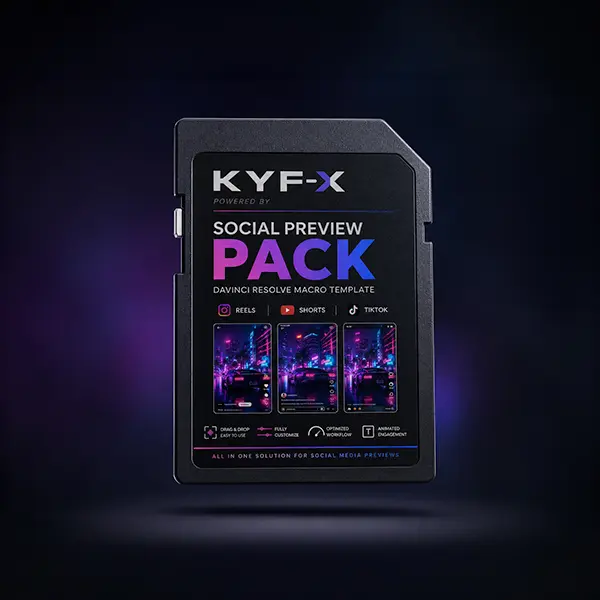
Preview Reels, Shorts and TikTok interfaces directly in your timeline. Position every caption, logo and visual with confidence.
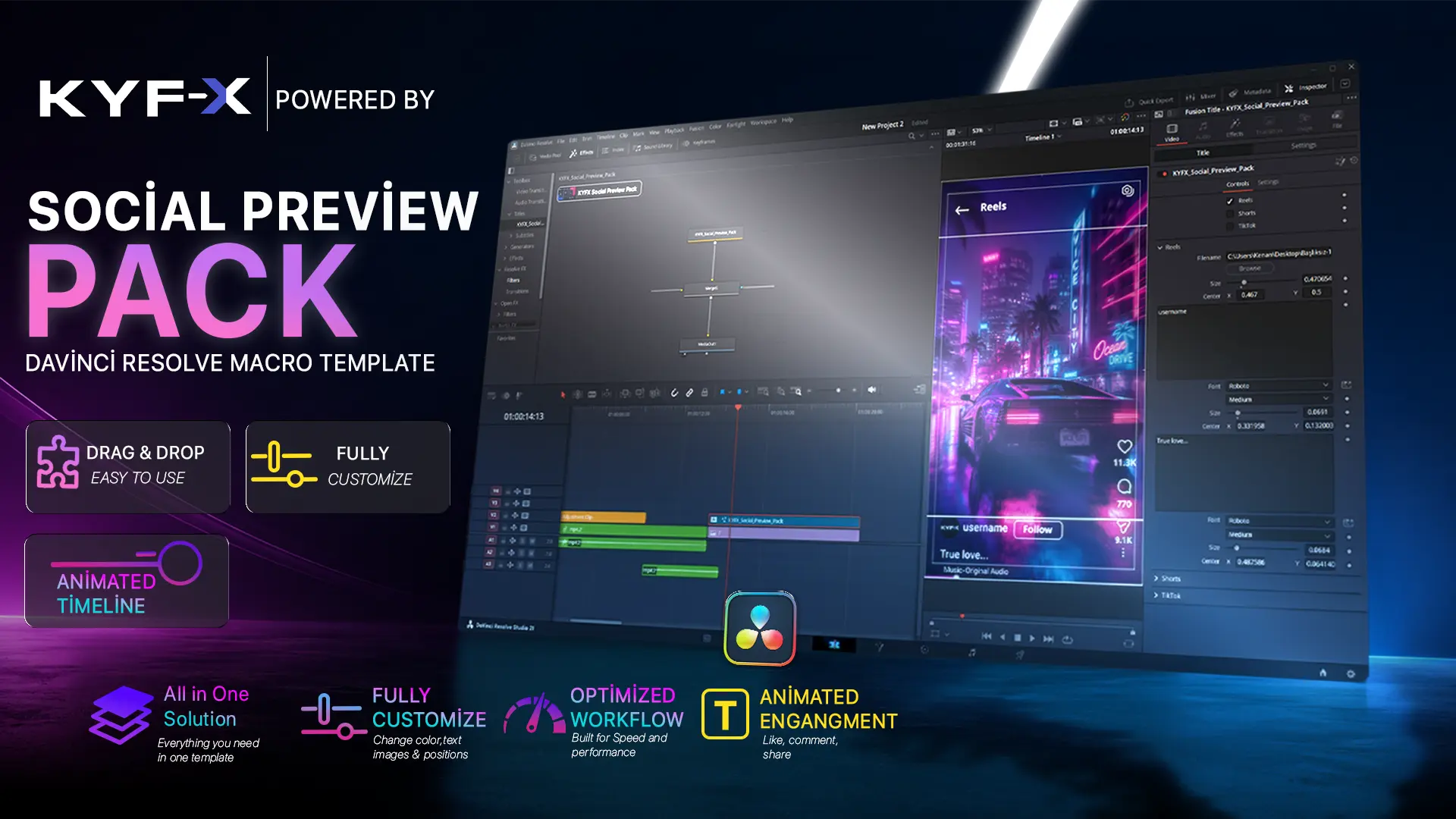
Switch the platform.
Keep the composition.
Try the controls below. The interface and safe zones update without touching your edit.
▶ Watch the YouTube Shorts demo ↗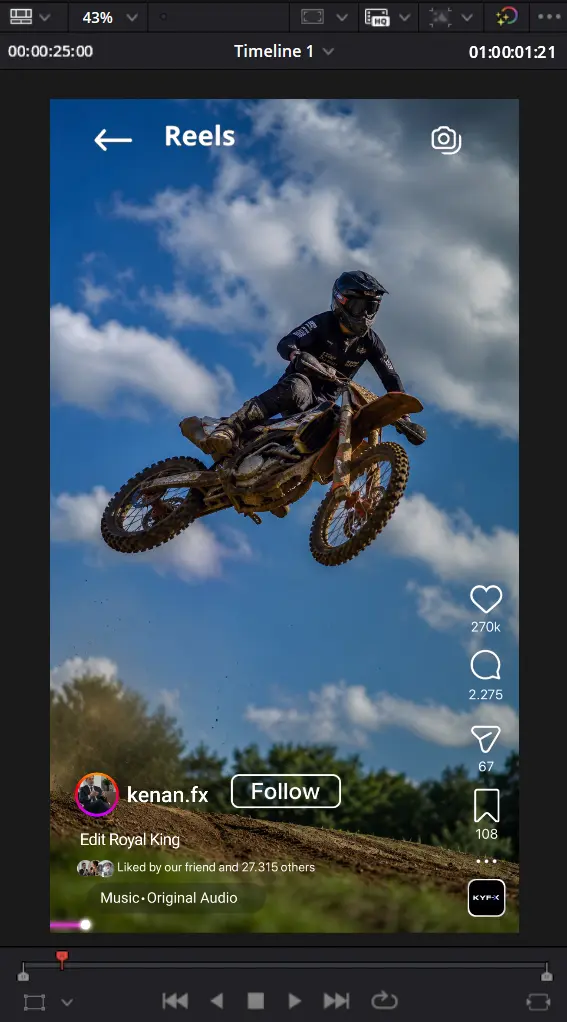
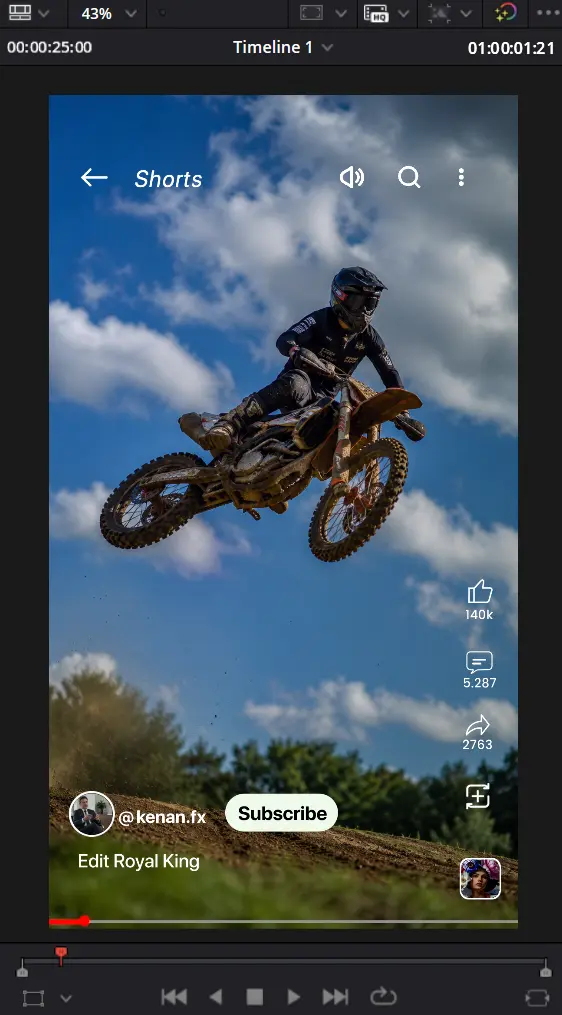
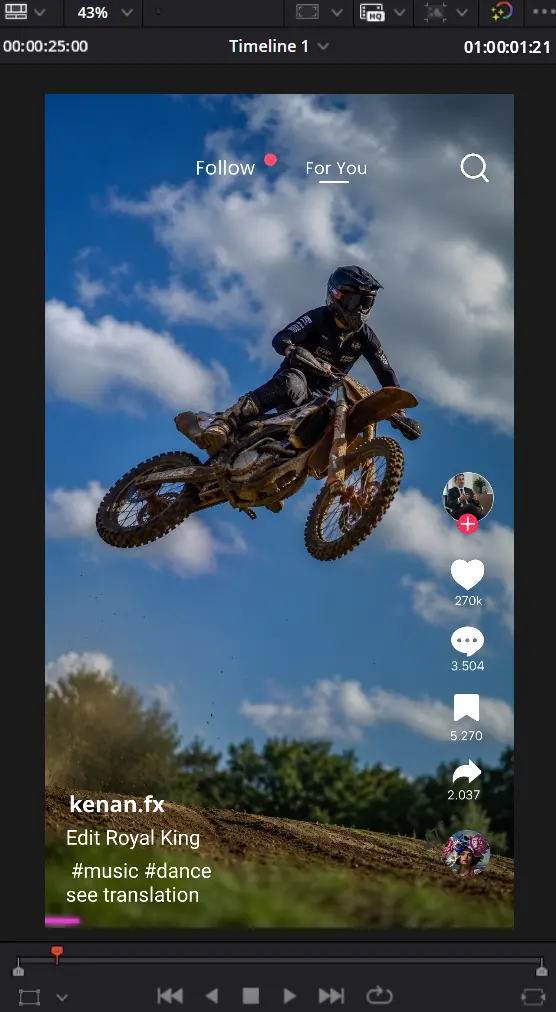
No generated platform icons are layered over these previews. Each tab displays the exact PNG supplied for that platform.
Set up once.
Edit with confidence.
Practical guides for installing the DRFX pack, using it in a real Resolve timeline and protecting important content from platform interfaces.
DaVinci Resolve installation guide
Install the DRFX package, find KYFX in the Effects Library and solve the most common setup issues.
Read the guide ↗ 02 · WORKFLOWHow to use Social Preview Pack
Add the title above your edit, switch platforms and check the composition before export.
Read the guide ↗ 03 · SAFE ZONESReels, Shorts and TikTok safe zones
Keep captions, faces, logos and calls to action clear of platform navigation and engagement controls.
Read the guide ↗Questions,
answered.
Everything you need to know before adding KYFX to your workflow.
What is included in the pack?+
A DaVinci Resolve DRFX package with selectable Instagram Reels, YouTube Shorts and TikTok interface previews, safe-zone overlays and Inspector controls.
Do I need an external plugin?+
No. The pack is built for DaVinci Resolve and does not require any third-party plugin to run.
Will the overlays appear in my export?+
They can if left enabled. The pack is designed as an editing guide, so simply disable the platform UI before your final render when you want a clean export.
Which timeline format does it support?+
The layouts are optimized for vertical 1080 × 1920 social media timelines.
How do I install it?+
Download the DRFX file, double-click it, approve the Resolve installation prompt, then find KYFX inside the Effects Library.
Stop guessing.
Start previewing.
Build vertical edits that stay clear, balanced and platform-ready—before the first export.
Instant digital download
Lifetime access